

Seat-side service for dine-in theaters, suites and VIP rooms.
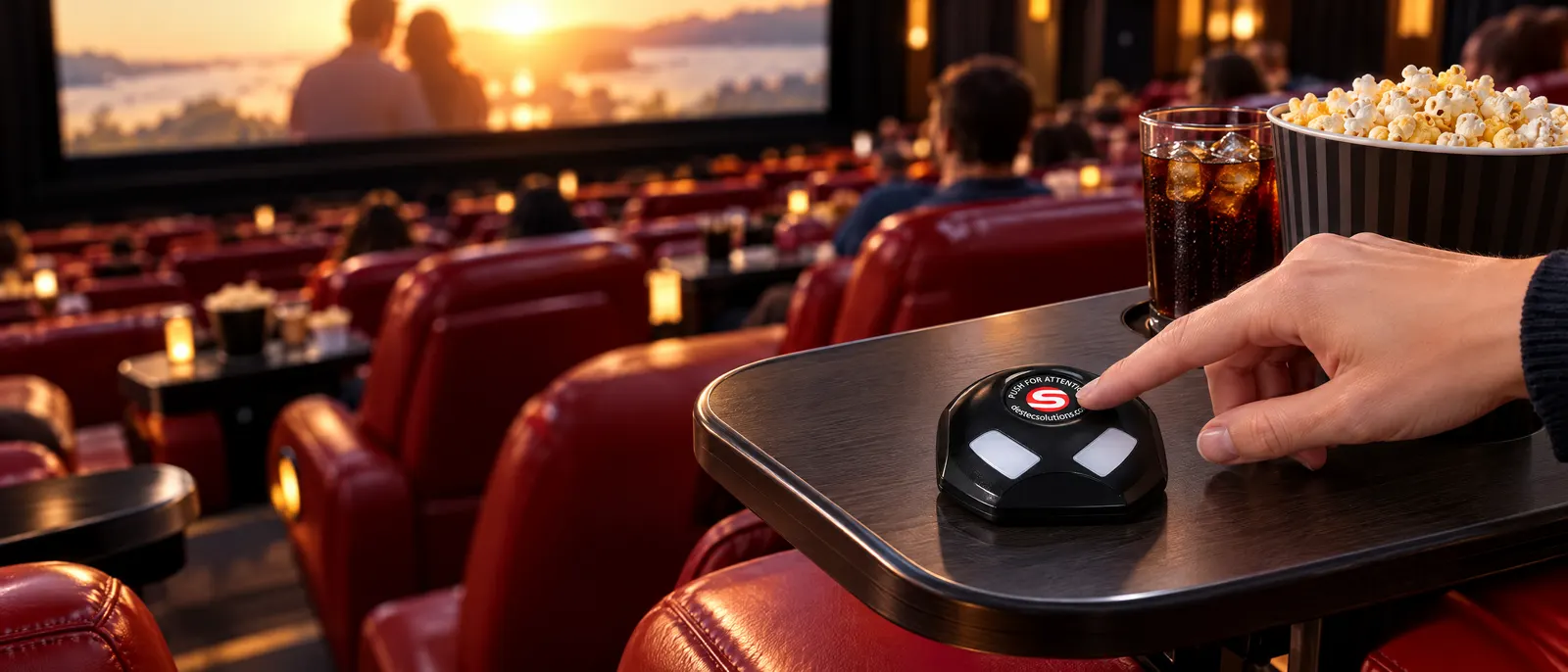
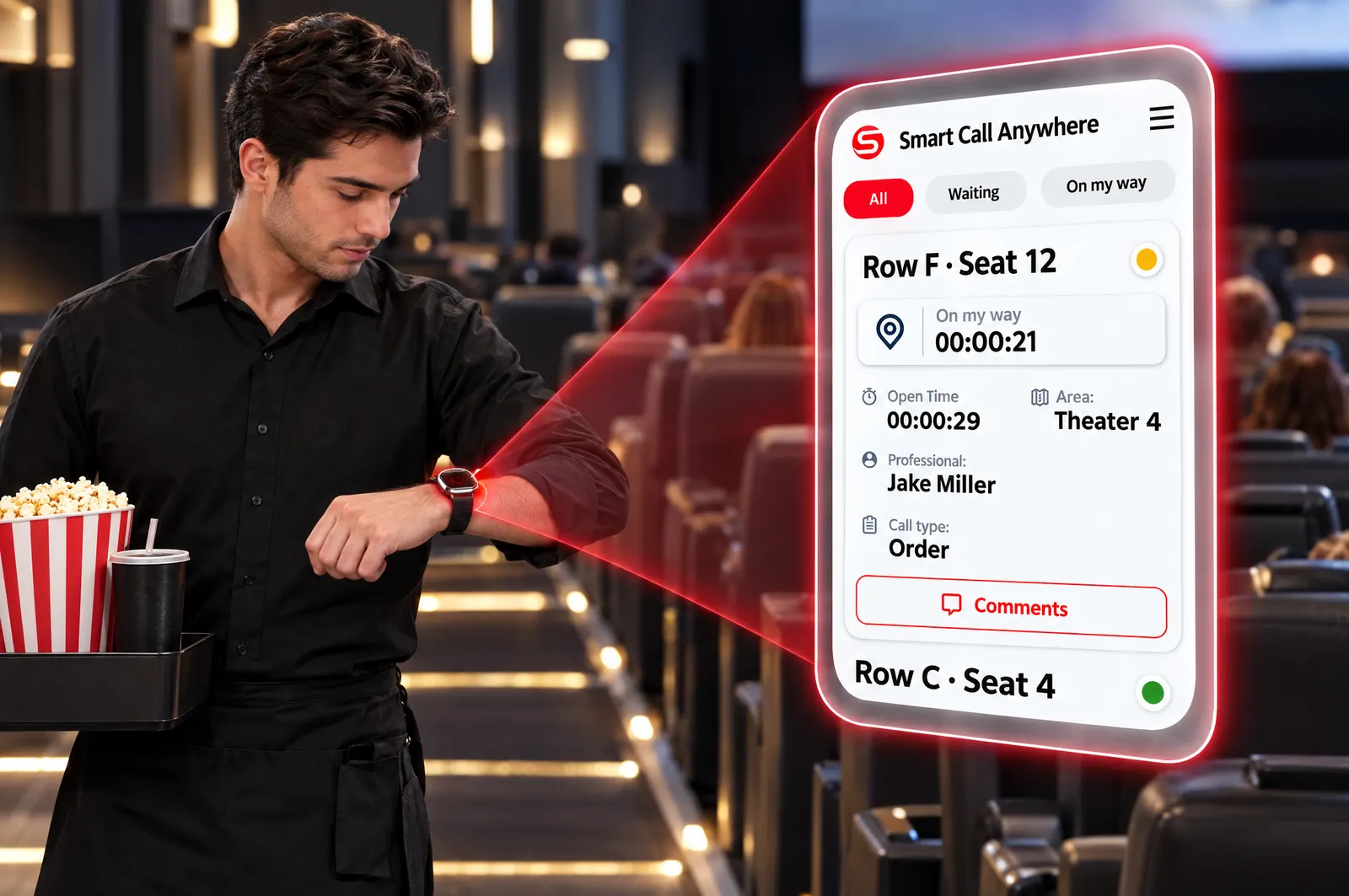
A call button at the seat or suite, the server’s L5 watch and the service TV: the guest presses, the right server knows the seat.
ONE PRESS · DEMO CALL
One press sets the floor in motion.
Seat and suite call buttons, the server’s L5 watch, the app and the service TV.
- ROW F · SEAT 12
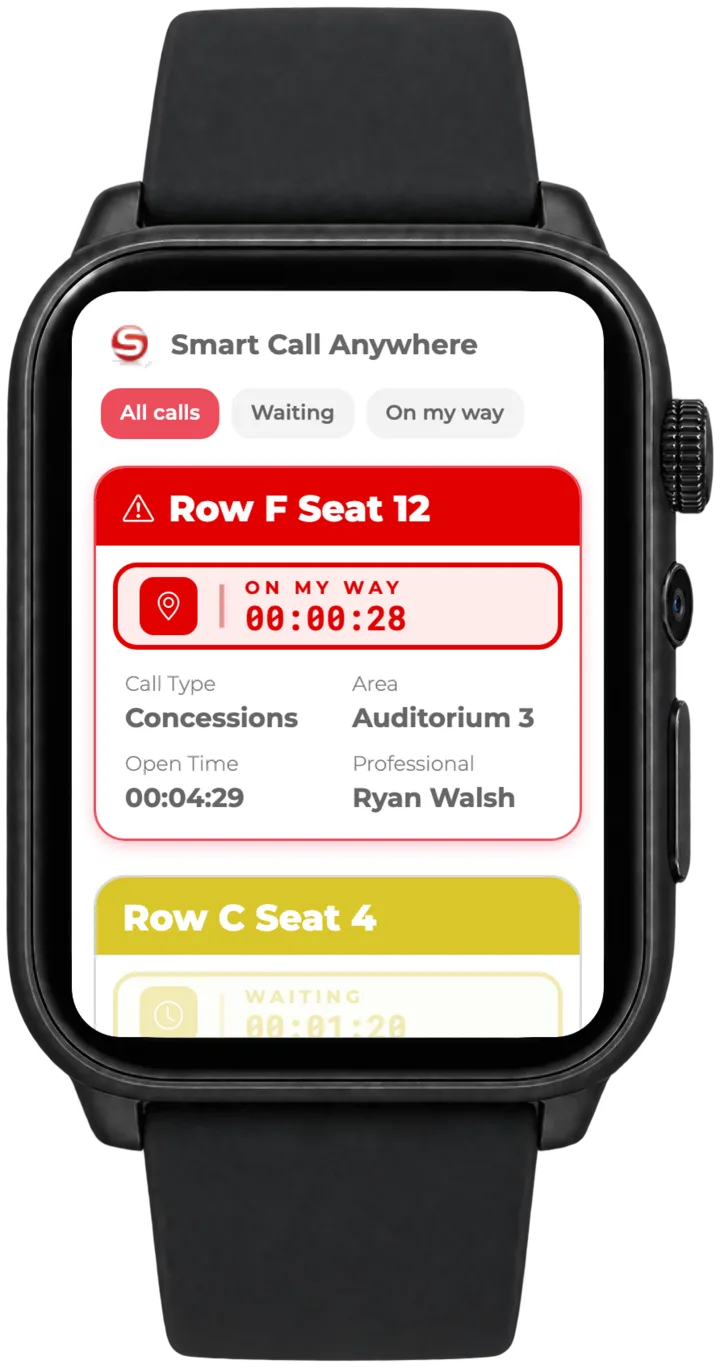 L5 · ROW F SEAT 12
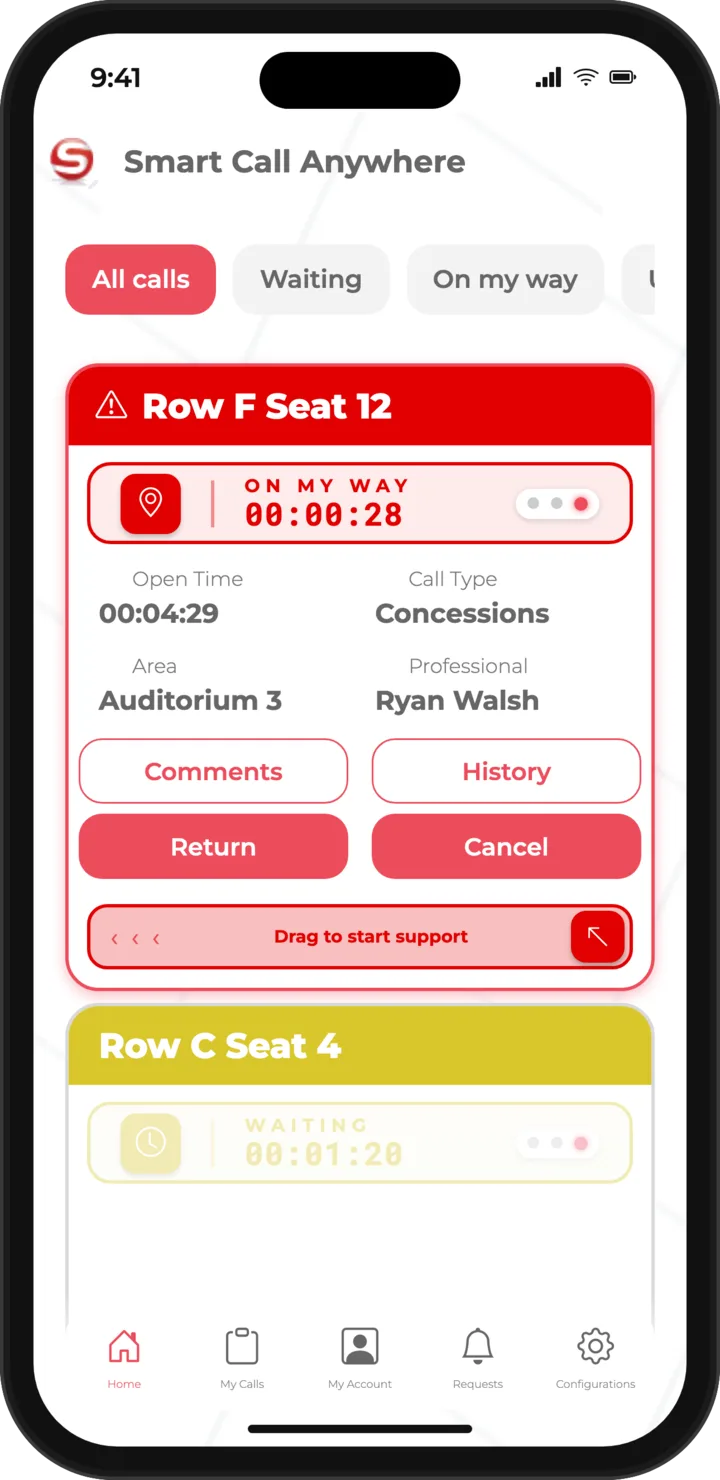 APP · ON MY WAY
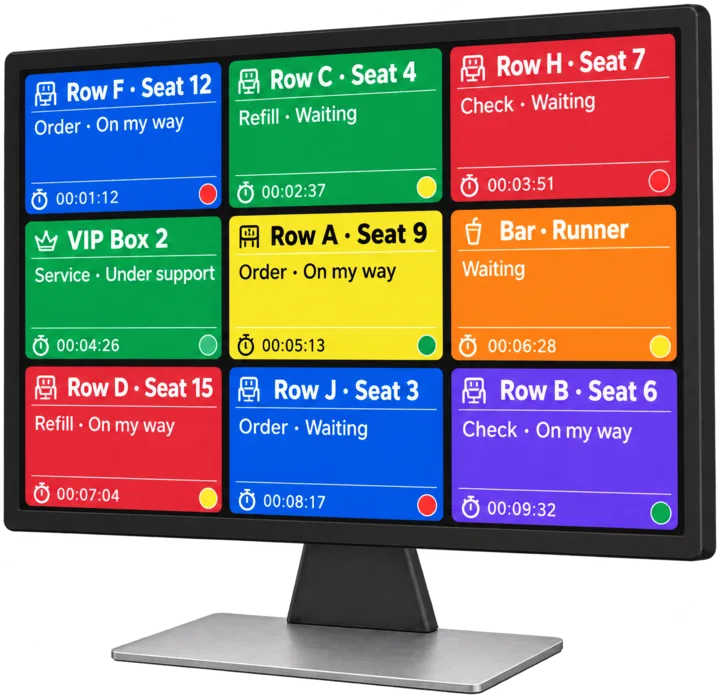 SERVICE TVANSWERED 00:37
Quick answer
How do dine-in theater guests call a server?
With a call button at the seat. With Destec, the guest presses a wireless button on the seat tray, the server covering that auditorium gets the row and seat on an L5 watch, the service TV shows the open call, and Bell Cloud records how long each guest waited. The screen stays dark and the room stays quiet.
The problem, in their words
The movie starts. The order still hasn’t.
In dine-in and VIP auditoriums, a slow server means a missed scene, or a server walking across the screen.
“We had our call buttons on for 30 minutes and no one ever came over to us.”
Dine-in theater guest · Cinema Treasures
“The movie started around 10:20 and the waiter finally came DURING the previews.”
Dine-in theater guest · Cinema Treasures
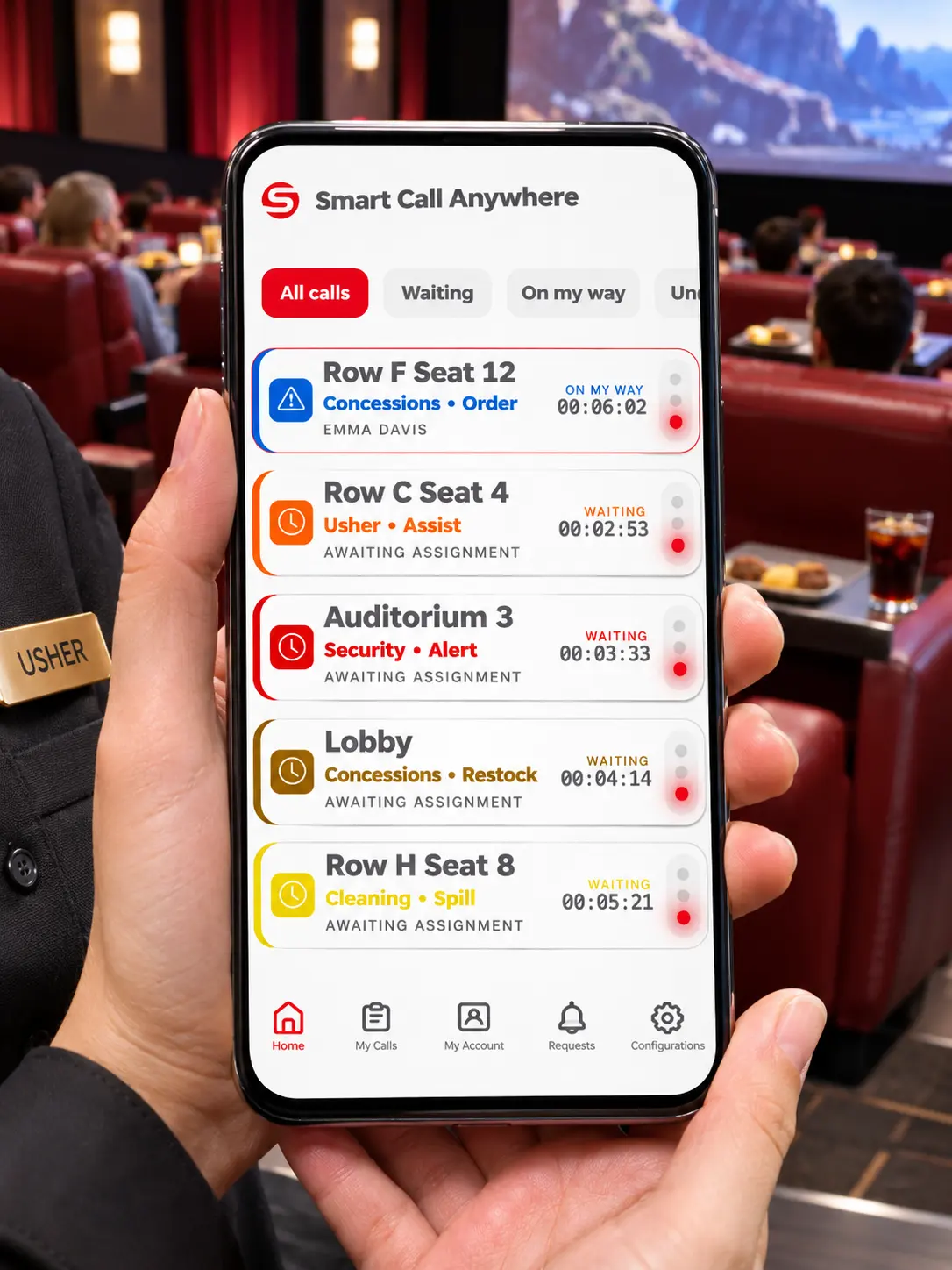
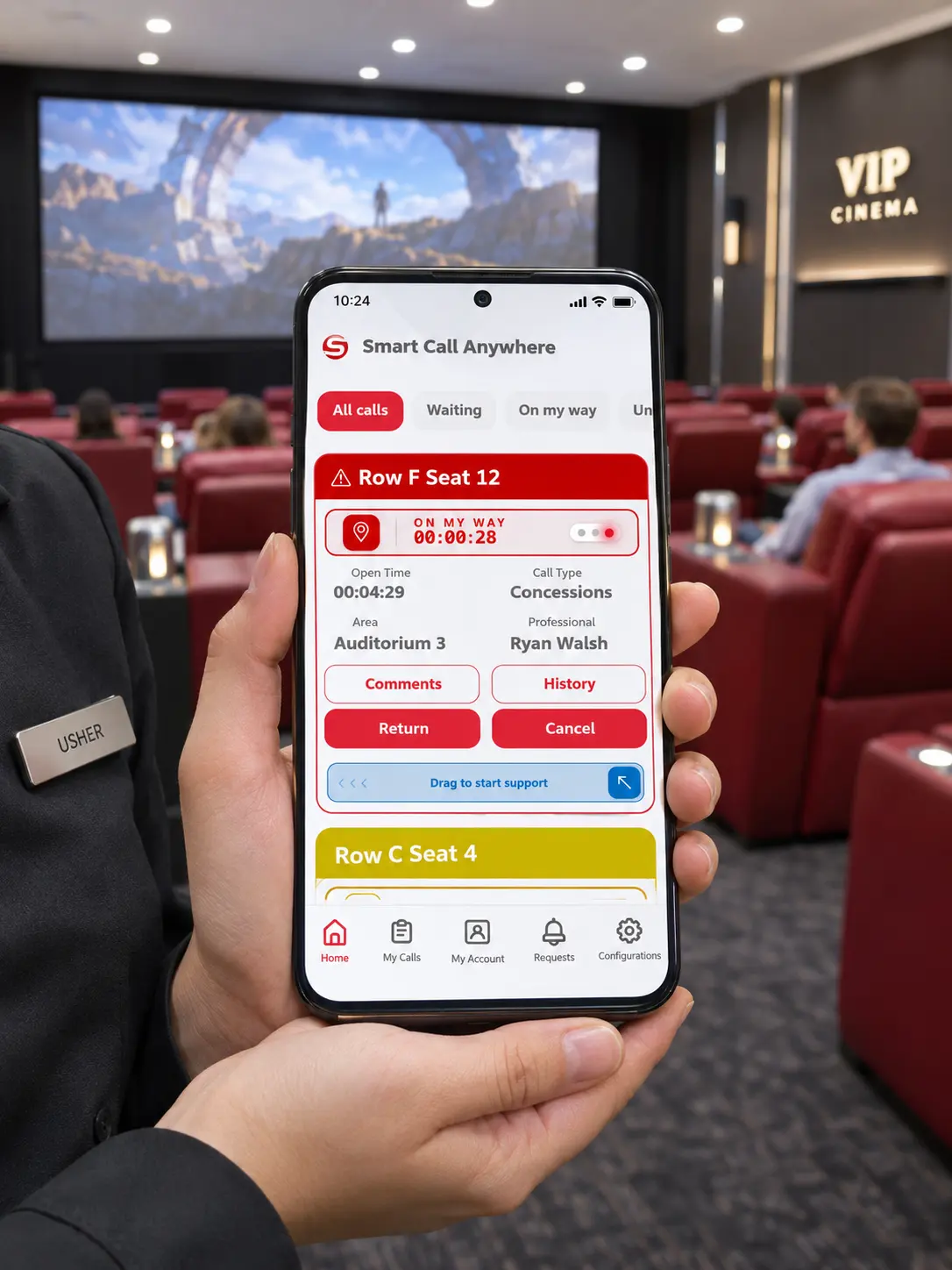
Smart Call Anywhere app
The same call, on the phone.
Staff who don’t wear a watch get every call in the Smart Call Anywhere app, on iOS and Android. One list shows the open calls; one tap opens the spot, the request and who is on the way.
Where the minutes go when a guest wants something
In a dark auditorium, most of the wait is the guest trying to get noticed. A seat button sends the call to the server.
Illustrative example, not guest data. Bell Cloud shows your real response times.
How it works
Press. Notify. Measure.
- 01
Press
The guest presses the button at the seat, suite or VIP table. No waving, no walking out mid-show.
- 02
Notify
The server who covers that area gets the call on the L5 watch and the app; the service TV shows it with a timer.
- 03
Measure
Bell Cloud records every call and response time, by auditorium, suite and shift.
Every button knows its seat. Every seat has a server.
Buttons are set to a seat, row, suite or table, so the call goes to the server who covers that area.
| Call | Goes to | What they see |
|---|---|---|
| Order | Assigned server | Row F · Seat 12 |
| Refill | Assigned server | Row C · Seat 4 |
| Check | Assigned server | Row H · Seat 7 |
| VIP service | Host or VIP server | VIP Box 2 |
The hardware
Everything the house needs. Nothing to wire.
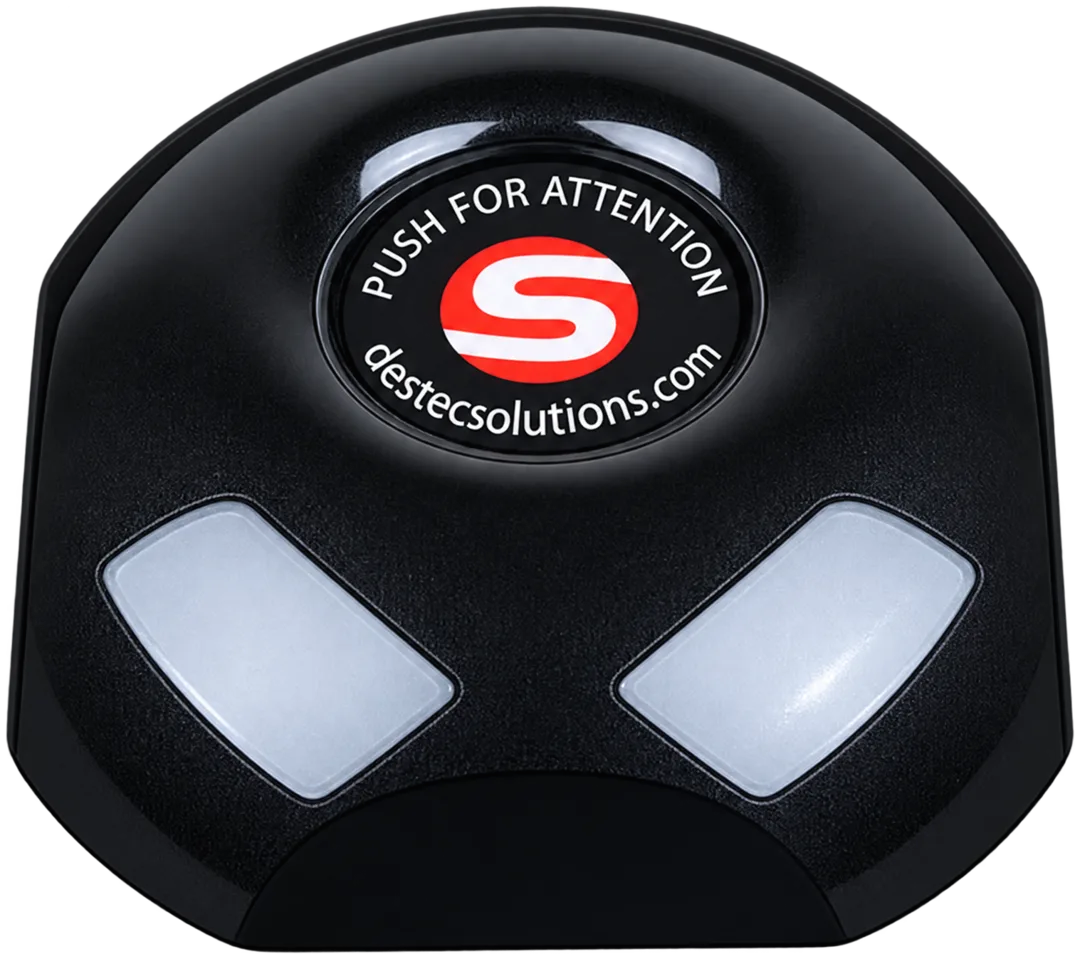
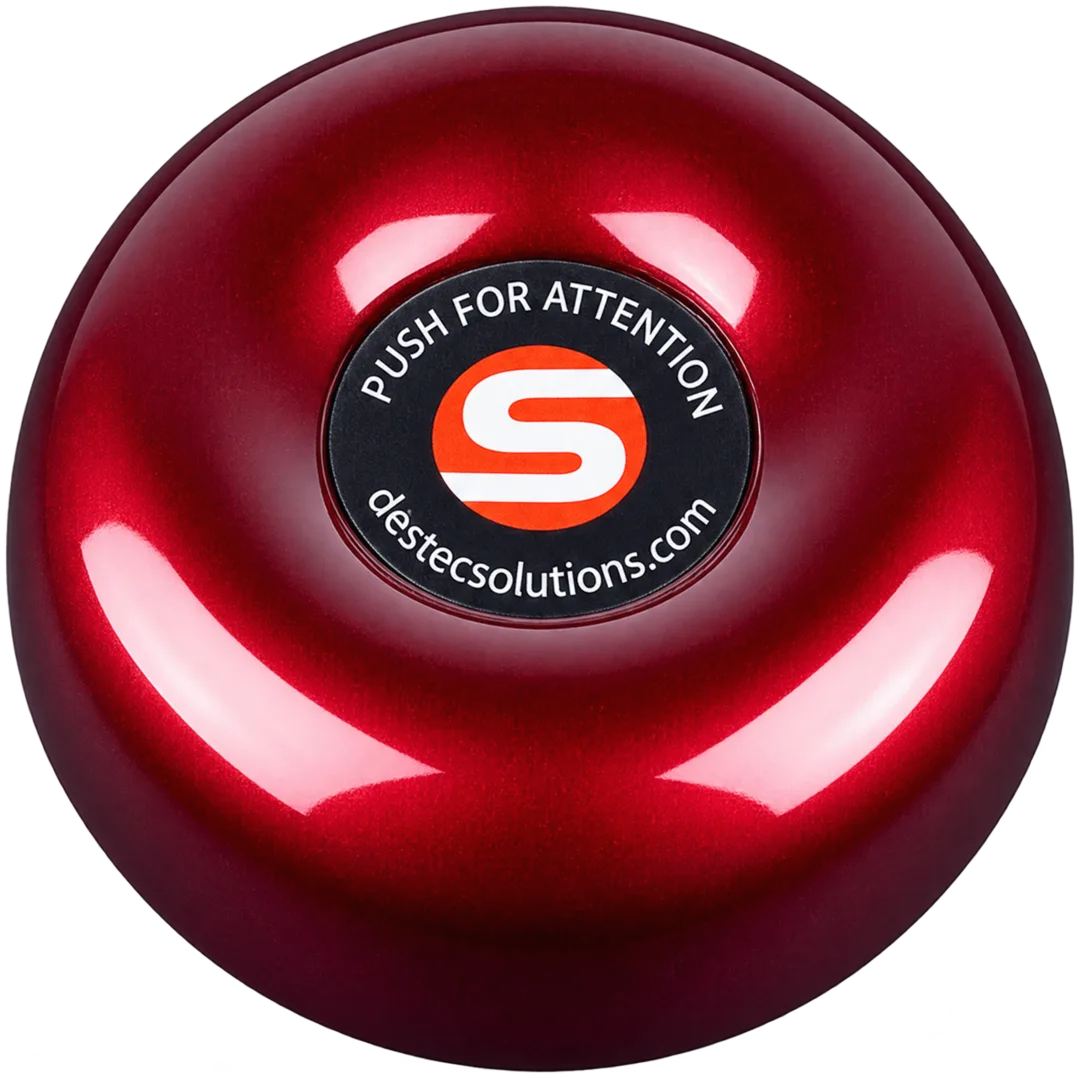
Call buttons
P1 (black) and R1 (red) wireless buttons for seat trays, suites, VIP tables and lounges.
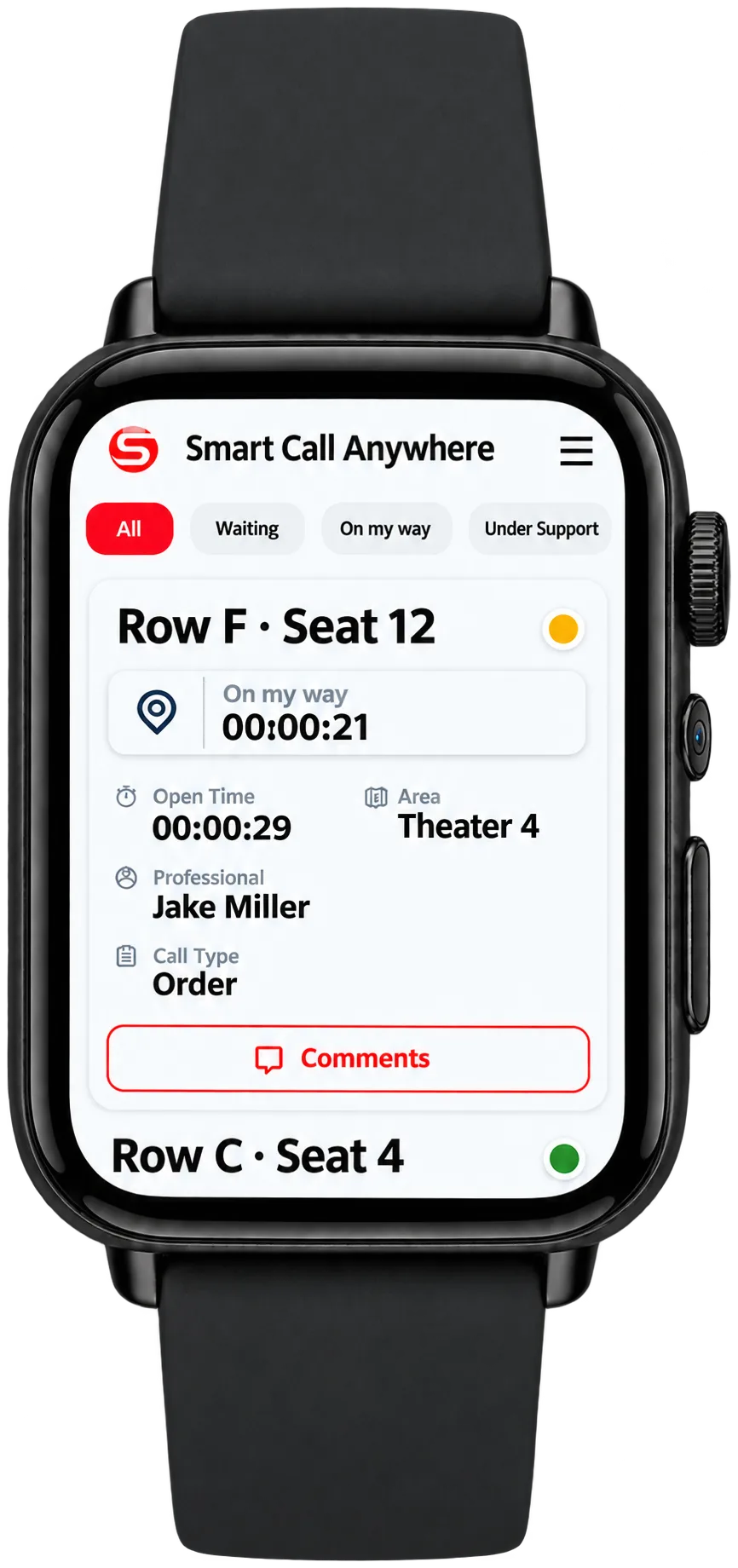
L5 smartwatch
Servers get the row, seat or suite on the wrist. The iOS and Android app gets the same calls.
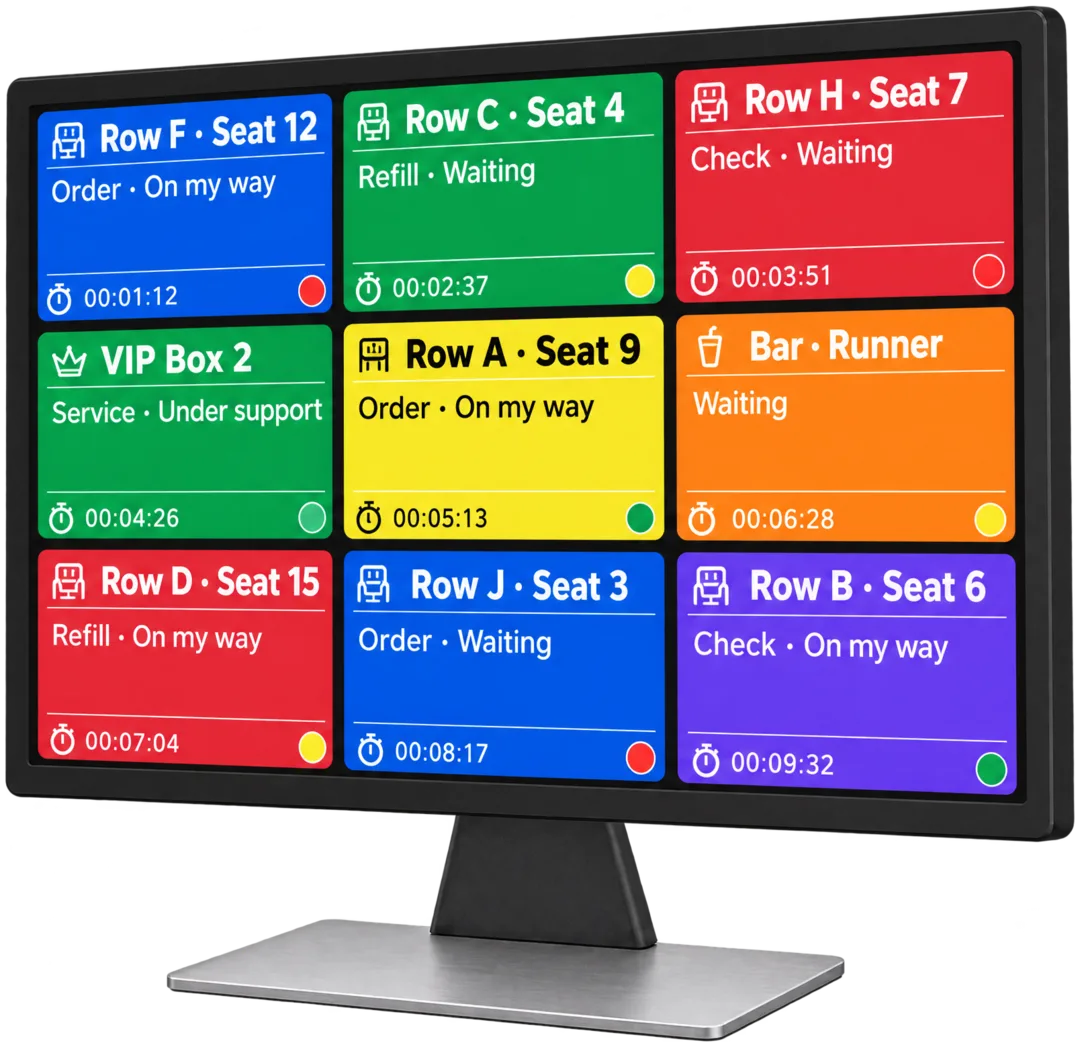
Smart Call TV
Every open call and its timer in the kitchen or service station.
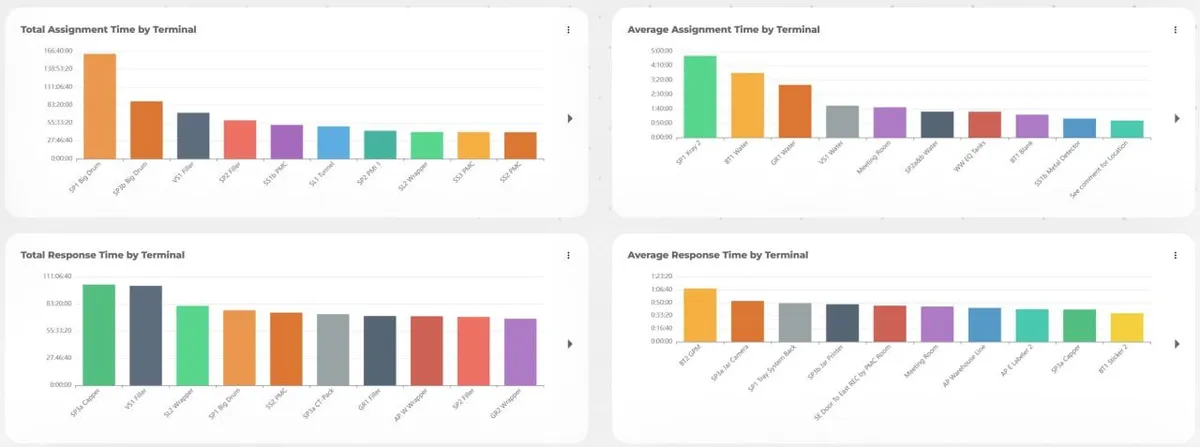
Bell Cloud
Response times by auditorium, server and showtime.
What changes
What changes for your guests
Service without interruption
Guests order from the seat; servers come only when called, so the show isn’t interrupted.
More food and beverage orders
When ordering is one press away, the second drink and the dessert get ordered.
Silent in the dark
The call is a vibration on the server’s wrist. No lights, no sounds in the auditorium.
VIP treatment that shows
Suite and VIP guests get a direct line to their host or server.
Service you can measure
Bell Cloud shows response times by auditorium, suite and shift.
No wiring
Wireless buttons go on seat trays and tables without construction.
Since 2006 · 1,600+ customers · 16,000+ establishments · 10+ countries
Bell Cloud
Service times by auditorium and showtime
Bell Cloud records every seat and suite call, so you can see response times by auditorium, suite, server and showtime.
Explore Bell Cloud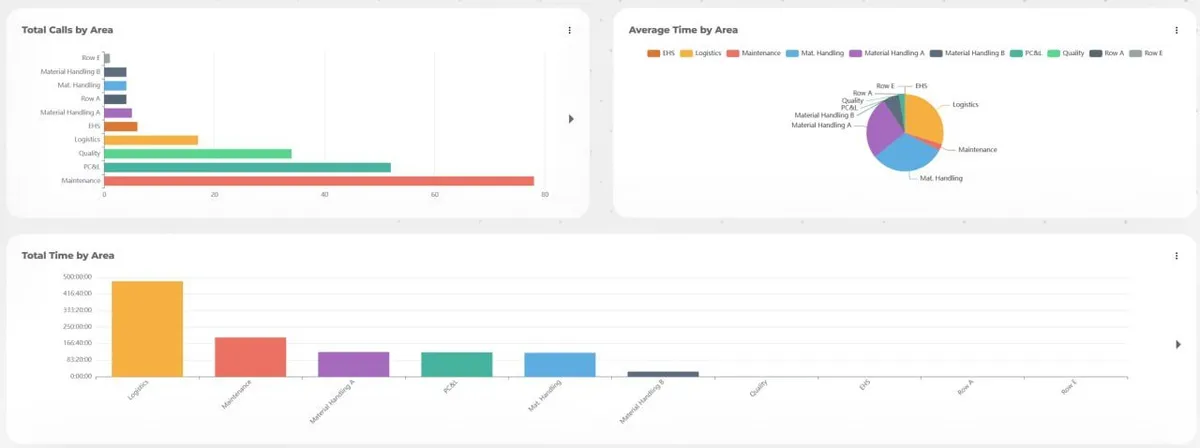
Seat call buttons vs. server walk-throughs
| Topic | Destec seat buttons | Walk-throughs |
|---|---|---|
| When the server comes | When the guest calls. | On a schedule, called or not. |
| Interruptions | Only for guests who asked. | Servers pass every row. |
| Who responds | The server who covers that seat. | Whoever is walking by. |
| Record | Every call timed in Bell Cloud. | Nothing recorded. |
Specs
The technical receipt
- Connection
- Radio frequency (Smart Call). No internet needed.
- Cloud option
- Smart Call Anywhere: iOS and Android app, QR codes, multi-site views
- Range
- 200–300 ft per receiver; up to about 3,000 ft with repeaters
- Buttons
- P1 (black) and R1 (red) wireless call buttons, QR codes with Smart Call Anywhere
- Receivers
- L5 smartwatch, Smart Call TV, iOS and Android app
- Analytics
- Bell Cloud: calls and response times by area and shift
- Installation
- No cabling; live in a day
- Support
- 24/7/365, US-based
Built for these floors
- Dine-in movie theaters
- Stadium and arena suites
- VIP lounges and clubs
- Private dining rooms
- Bowling and entertainment centers
From the floor
The questions buyers ask us first
When do servers come to take your order at a dine-in theater?
Are servers distracting during the movie?
When do they bring the check at a dine-in theater?
What do I do if nobody answers the call button?
How long does food take at a dine-in movie theater?
Can you order after the movie starts?
QR ordering or servers in dine-in theaters: which is better?
How do I measure in-seat service times across theaters?
How do I staff a dine-in theater when everyone orders at once?
How can servers avoid walking in front of the screen?
Questions buyers ask
Frequently asked questions
How do dine-in theater guests call a server?
Does the button make light or sound in the auditorium?
Can VIP suites and lounges use the same system?
What is the range?
Can guests call from their phones?
How long does installation take?
Bring service to every seat.
A short demo with the real call buttons and the L5 watch.