
What to measure
Useful downtime tracking starts with a few numbers everyone agrees on, captured the same way on every line and shift.
- Downtime
- The time a machine or line is not producing when it should be.
- Response time
- From the moment help is called to the moment someone is on the way.
- Repair time
- From the moment someone arrives to the moment the problem is solved.
- Reason
- Why the stop happened: material, maintenance, quality, changeover and so on.
Response time vs. repair time
Most plants track a single downtime number. Splitting it in two changes what you can fix: long response times point to people and communication (the right person didn’t know), long repair times point to equipment, parts and skills.
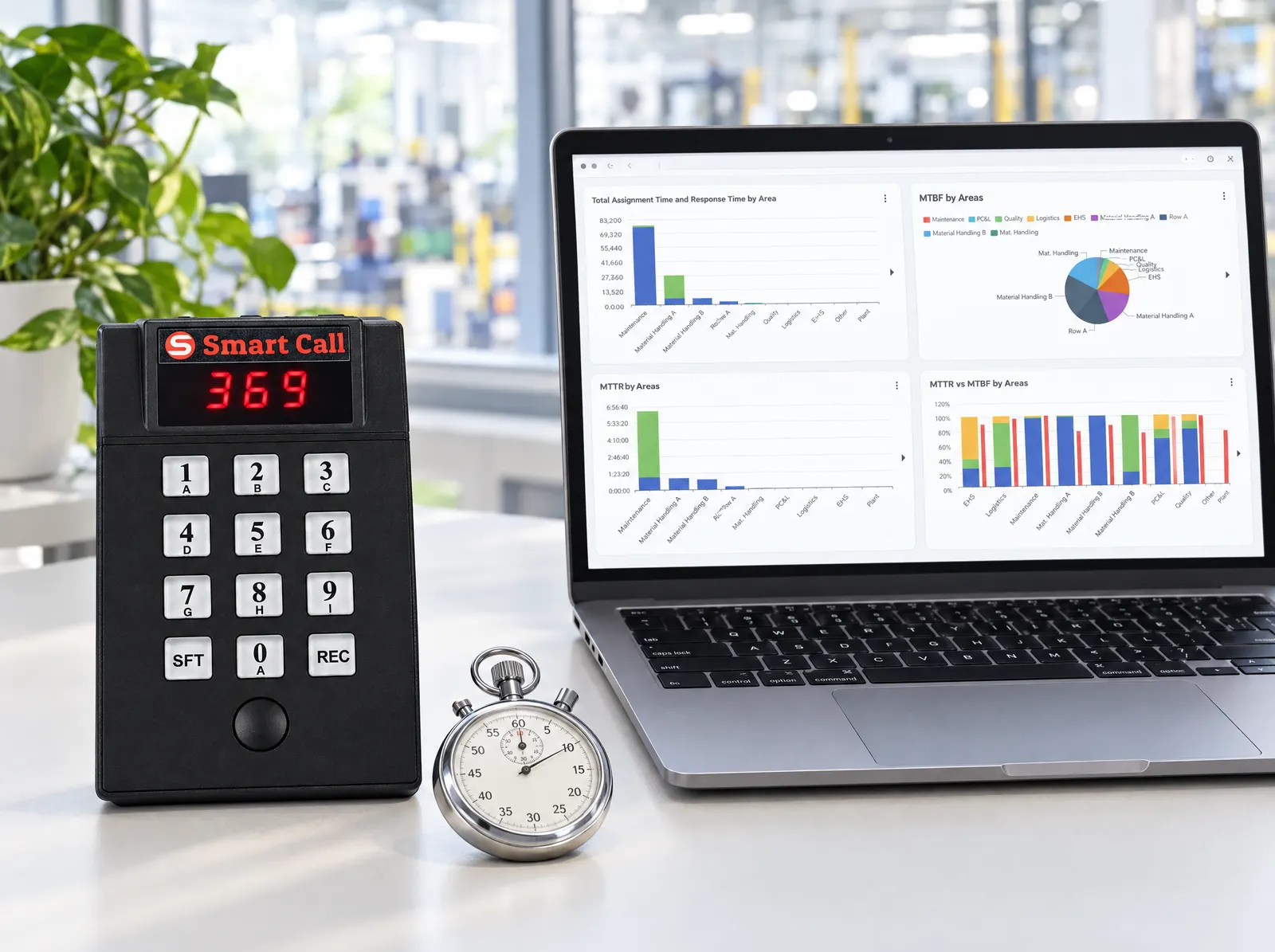
When the call itself is timed, the split is automatic: the press starts the clock, the responder’s “On my way” marks the response, and “Solved” marks the end of the repair.

MTTR and MTBF, explained
- MTTR (mean time to repair)
- The average time it takes to fix a stop, once someone is working on it. Lower is better.
- MTBF (mean time between failures)
- The average running time between one stop and the next. Higher is better.
- Why both
- MTTR shows how fast you recover; MTBF shows how often you have to. Improving either reduces downtime.
Manual vs. automatic downtime tracking
| Manual logs | Automatic (from the call) | |
|---|---|---|
| How it is captured | Typed in after the stop, often at the end of the shift | Recorded the moment the operator calls |
| Short stops | Usually left out | Recorded like any other call |
| Response vs repair | One rough total | Timed separately |
| When you see it | End of the week or month | Live, in the browser |
Where OEE fits
OEE (overall equipment effectiveness) combines availability, performance and quality into one score. Many plants use it; it needs production counts and quality data as well as downtime.
Bell Cloud does not calculate OEE. It focuses on the part of the picture that comes from the floor: downtime, response time, repair time (MTTR), MTBF and calls by reason, which are also the numbers that drive the availability side of OEE.
How to get started on one line
- Step 1Pick one line and list the reasons operators call for help.
- Step 2Put a call station at each station and name who responds to each reason.
- Step 3Let every call be timed automatically for two to four weeks.
- Step 4Review downtime, response and repair times by reason and shift; fix the biggest cause first.
- Step 5Expand to the next line with the same setup.